Email: support@gladlenpro.com


Best Laptop Specs for College Students in 2025: A Complete Buying Guide
Choosing the right laptop for college can feel overwhelming with so many options available. College students need a balance of performance, portability, and affordability. This guide breaks down the essential specs you should look for to ensure your laptop can handle everything from research papers to online classes and beyond.
Minimum vs. Recommended Specs
Before diving into specific components, it’s important to understand that minimum specs will get you by, but recommended specs will give you a smoother, more future-proof experience throughout your college years.
Processor (CPU): The Brain of Your Laptop
For most college students, an Intel Core i5 or AMD Ryzen 5 processor is the sweet spot. These mid-range processors handle multiple browser tabs, video calls, document editing, and light photo editing with ease. STEM students or those in graphic design may want to consider an Intel Core i7 or AMD Ryzen 7 for more intensive applications.
Avoid entry-level processors like Intel Celeron or Pentium, as they may struggle with multitasking. Your laptop needs to handle Zoom calls while you take notes and research simultaneously.
RAM (Memory): How Much Do You Really Need?
8GB of RAM is the absolute minimum for college students in 2025, but 16GB is highly recommended. With 16GB, you can comfortably run multiple applications, keep dozens of browser tabs open, and switch between tasks without slowdowns.
If you’re in video editing, engineering, computer science, or architecture programs, consider 32GB for resource-intensive software like Adobe Creative Suite, AutoCAD, or programming environments.
Storage: SSD is Non-Negotiable
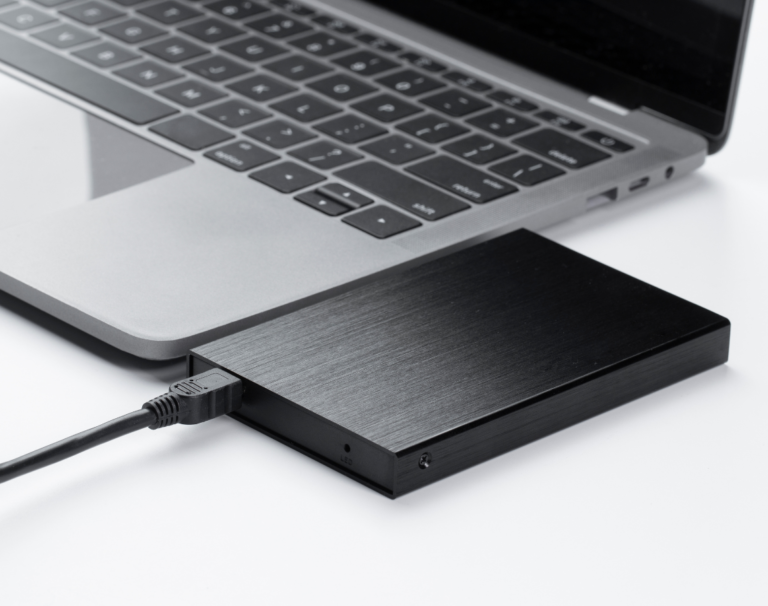
Always choose a laptop with an SSD (Solid State Drive) rather than an HDD (Hard Disk Drive). SSDs are significantly faster, making your laptop boot in seconds and applications launch instantly.
A 256GB SSD is the minimum, suitable for students who use cloud storage extensively. However, 512GB is more comfortable and gives you room for applications, documents, photos, and some media files without constantly managing storage space.
Display: Size and Quality Matter
A 13 to 15-inch display offers the best balance of portability and usability. For your display quality, look for:
– Full HD resolution (1920×1080) minimum
– IPS panel for better viewing angles
– Anti-glare coating if you’ll work in various lighting conditions
– Higher brightness (300 nits or more) for working outdoors
Avoid HD (1366×768) displays, which look pixelated and limit how much content you can see at once.
Battery Life: Surviving Long Days on Campus
Look for laptops advertised with 8+ hours of battery life. In real-world use, you’ll typically get 60-70% of the advertised time, so an 8-hour rating usually means 5-6 hours of actual use. This should get you through a full day of classes without hunting for outlets.
Weight and Build Quality: Portability Considerations
Since you’ll be carrying your laptop around campus daily, aim for a weight under 4 pounds. Aluminum or magnesium alloy builds are more durable than plastic and better protect against the wear and tear of student life.
Ports and Connectivity: Don’t Overlook These
Ensure your laptop has:
– At least 2 USB ports (including at least one USB-C)
– HDMI port for presentations
– Headphone jack
– SD card reader (helpful for photographers and videographers)
Check that it has WiFi 6 support for the fastest wireless speeds on modern campus networks.
Operating System: Which One is Right for You?
Your choice often depends on your major:
– Windows: Best all-around choice, required for some engineering and business software
– macOS: Excellent for creative fields, design, and media production
– Chrome OS: Budget option for students who work primarily in web browsers and Google apps
Budget Recommendations by Student Type
General Studies/Liberal Arts: Intel Core i5, 8GB RAM, 256GB SSD ($500-$700)
Business/STEM: Intel Core i5/i7, 16GB RAM, 512GB SSD ($700-$1,000)
Creative/Engineering: Intel Core i7/i9, 16GB-32GB RAM, 512GB-1TB SSD ($1,000-$1,500+)
Warranty and Support
College students should consider extended warranties or accidental damage protection. Accidents happen in dorms and during transport, and these plans can save you from costly repairs.
Conclusion
The right laptop specs for college students balance performance, portability, and price. Focus on getting at least an Intel Core i5 or Ryzen 5 processor, 16GB RAM, 512GB SSD, and good battery life. These specs will serve you well throughout your college years and even into your early career.
Visit our store to explore student-friendly laptop options with educational discounts. Our knowledgeable staff can help you find the perfect laptop for your specific major and needs, and we offer exclusive bundles with essential accessories.